
Native Windows 11 app · Passion project · Active development
Theme Studio 11
Everything your Windows theme needs, together. Wallpapers, desktop icons, cursors, sounds, and appearance in one workspace, with previews and reusable theme projects.
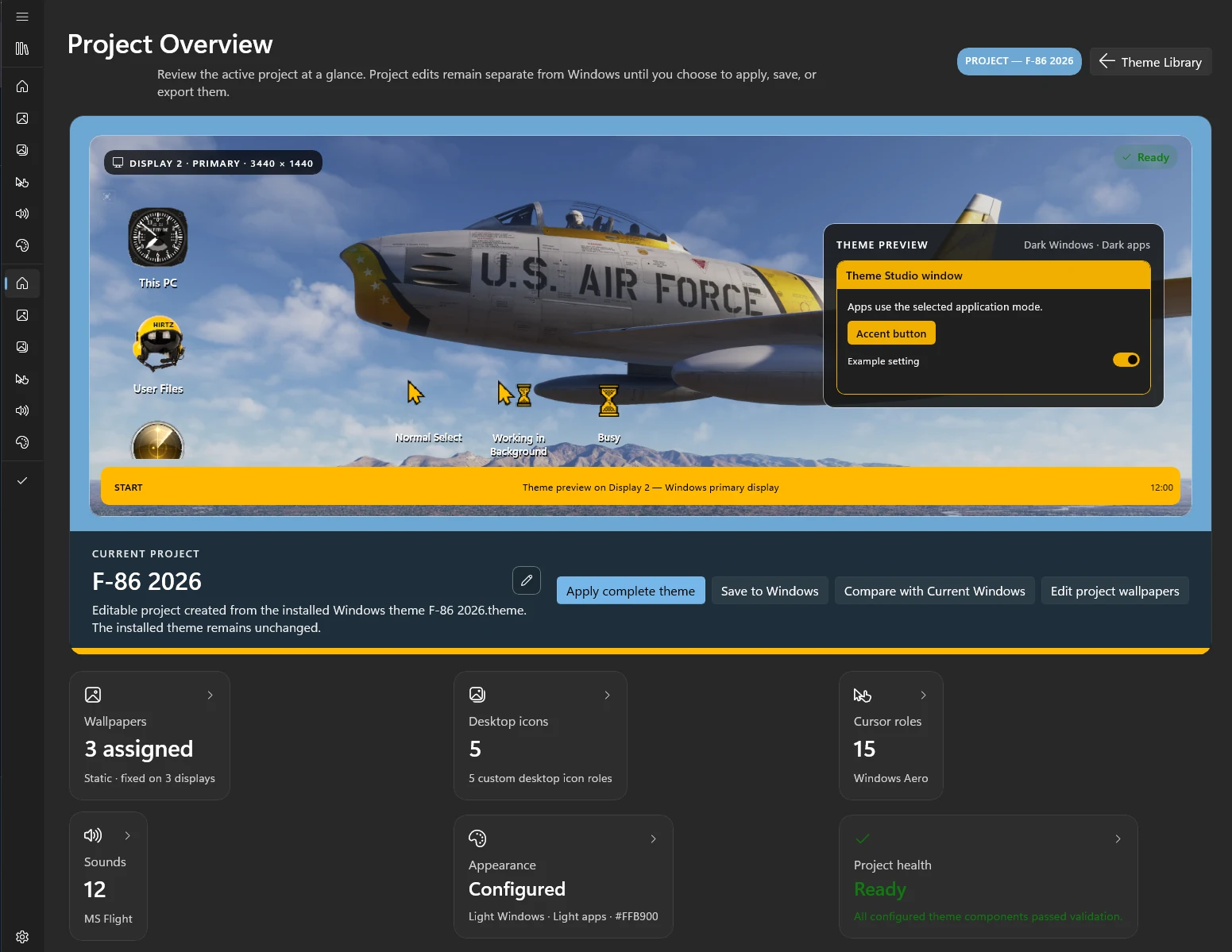
Windows Settings vs. Theme Studio 11.
Drag the slider to compare. Same themes, same PC: on the left, what Windows shows you; on the right, what Theme Studio shows you.
The whole theme window
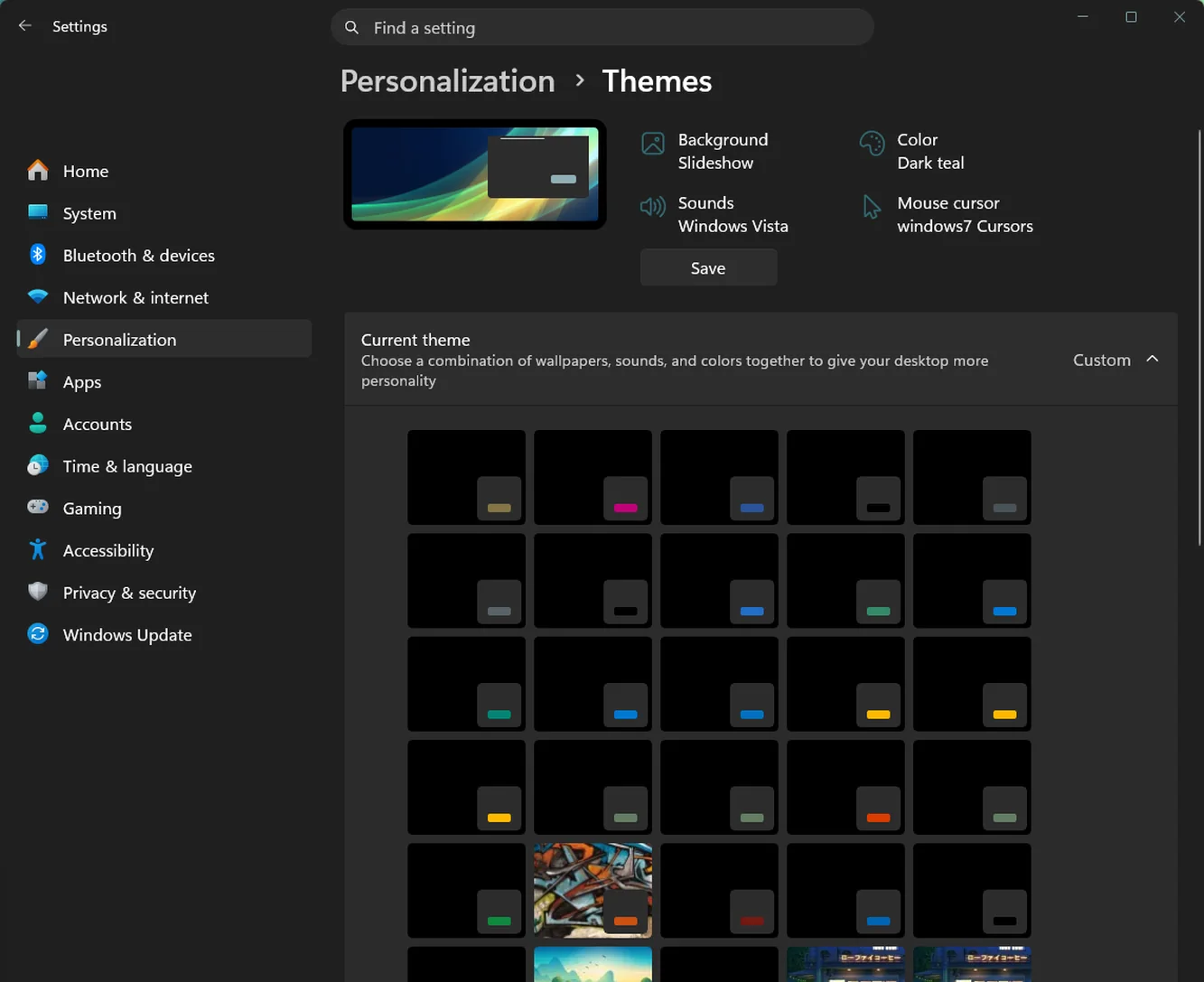
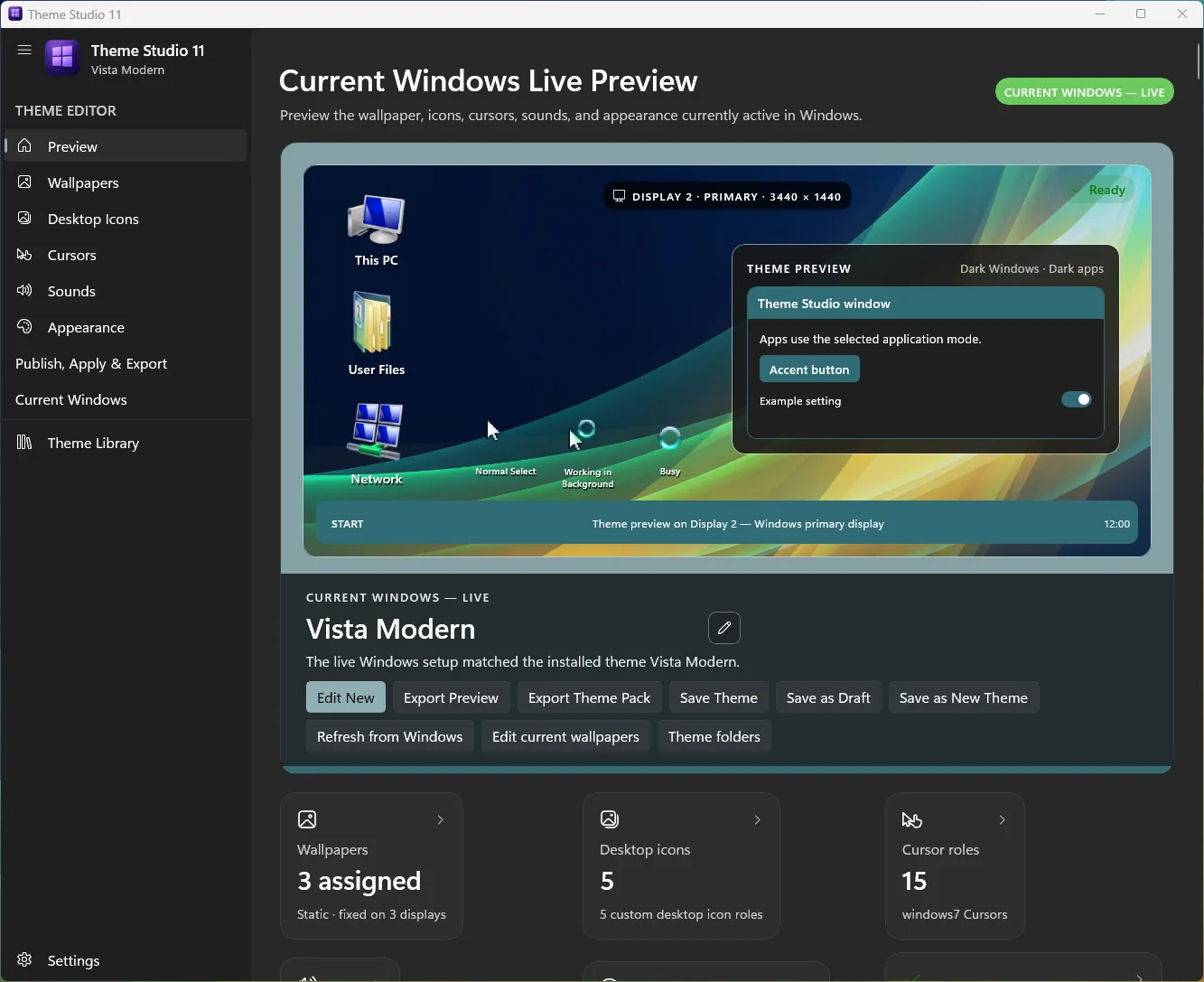 Windows SettingsTheme Studio 11
Windows gives you a small thumbnail, four setting names, and a grid of mostly black squares. Theme Studio previews the real wallpaper, icons, cursors, and app colors together, with every editor one click away.
Your installed themes
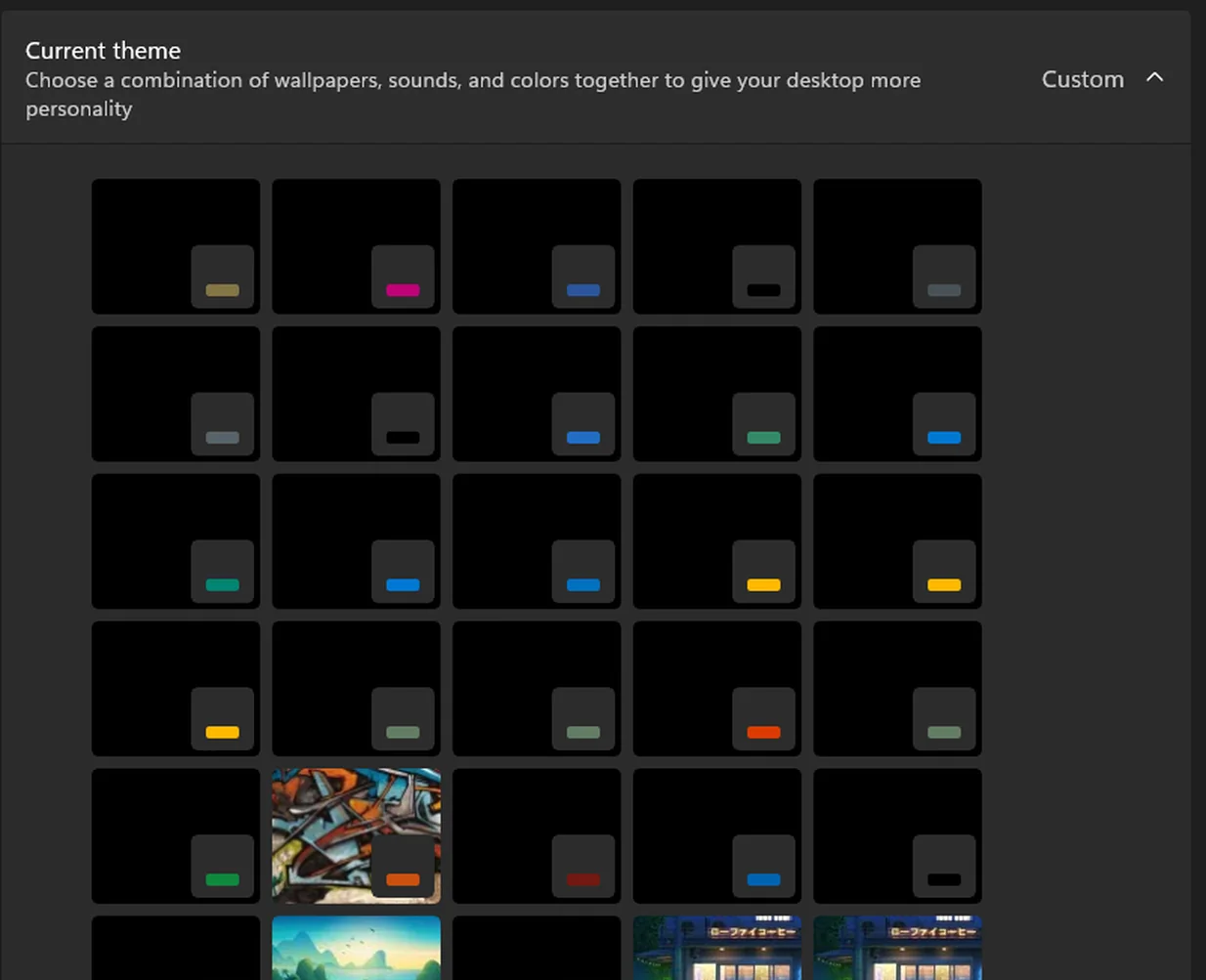
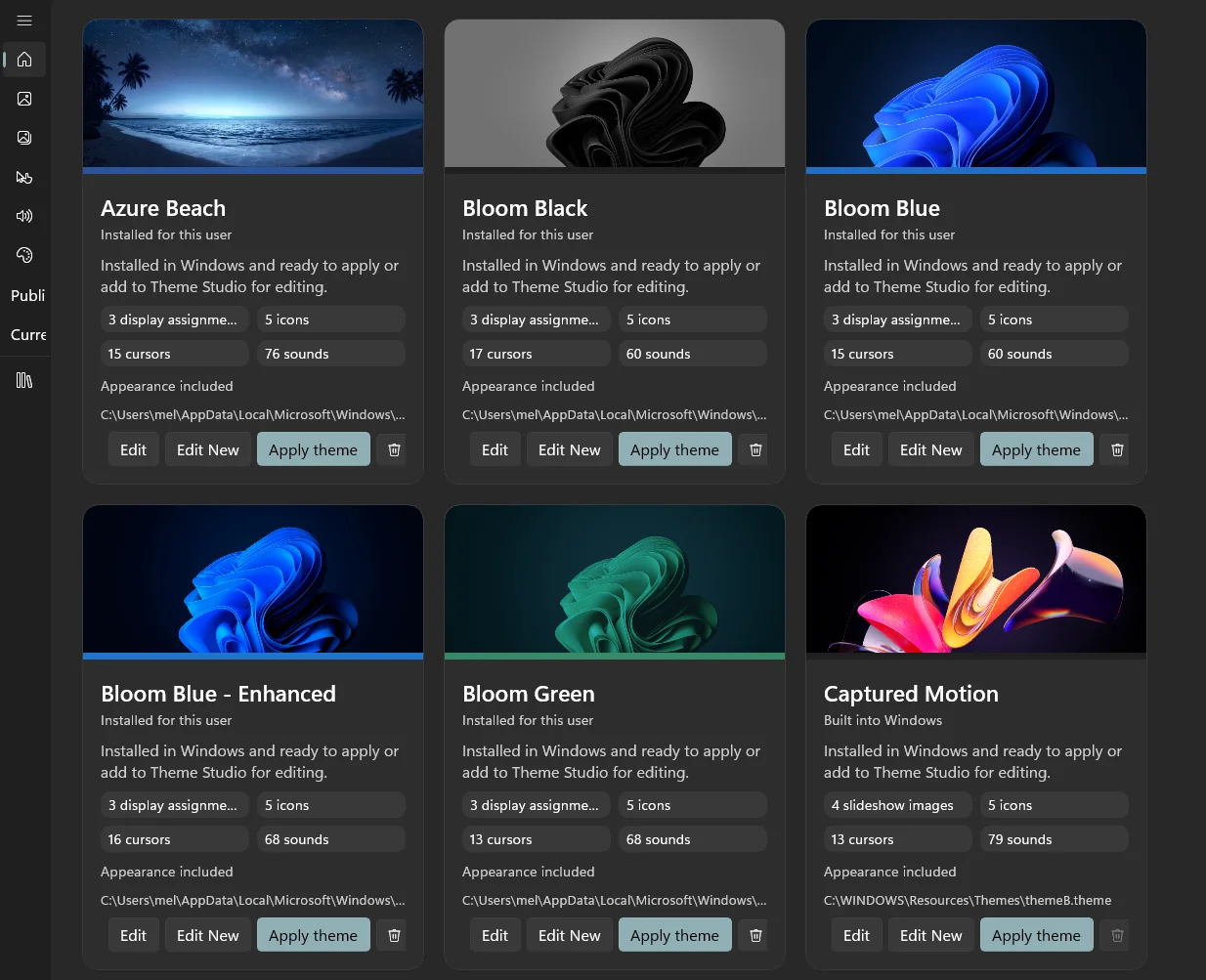 Windows SettingsTheme Studio 11
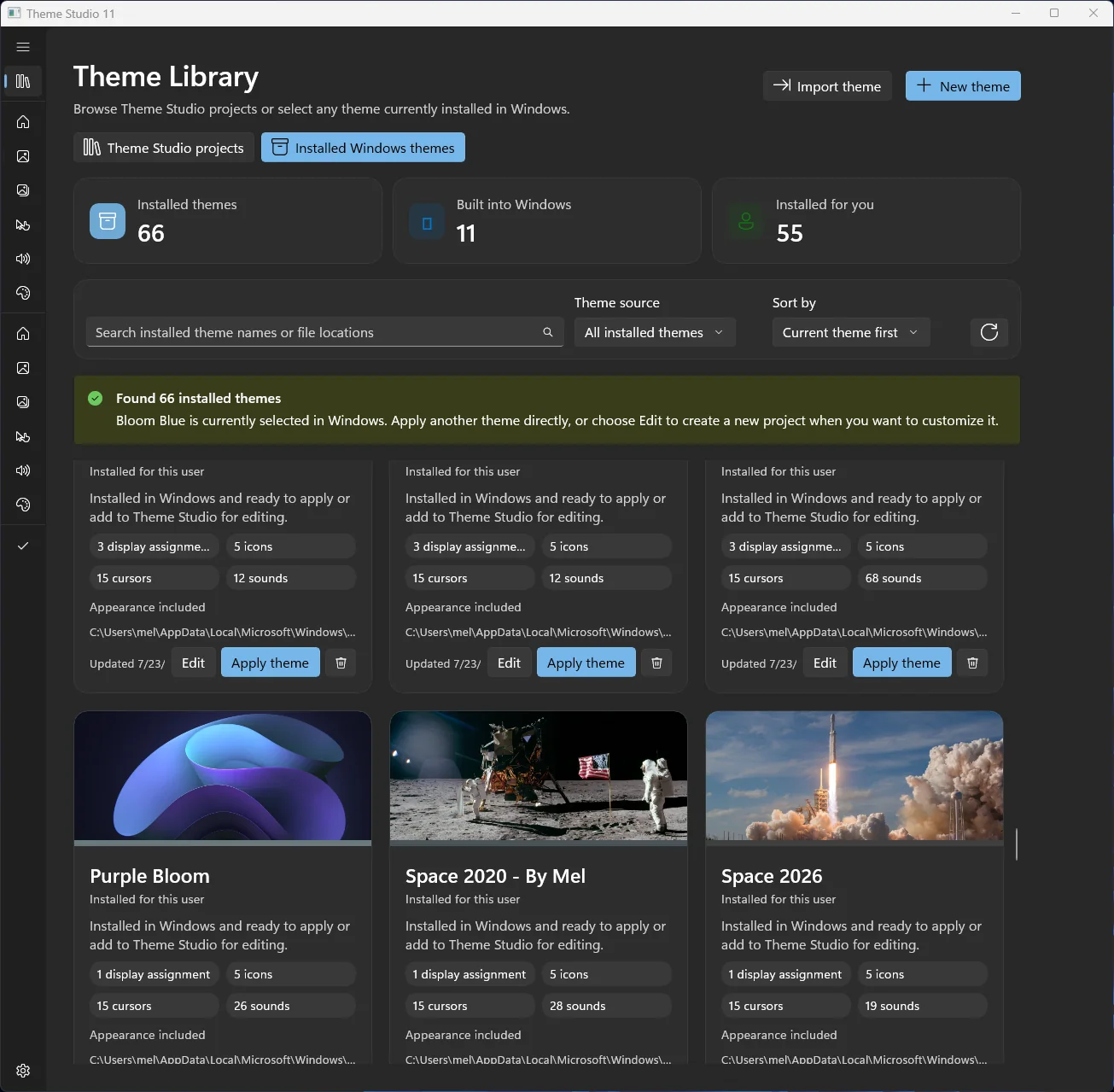
Same themes, side by side: Windows shows color swatches on black tiles. Theme Studio shows each theme’s wallpaper, display assignments, icons, cursors, and sounds, with one-click edit and apply.
Understand the whole theme before changing a thing.
Windows spreads theme settings across a dozen places. Theme Studio 11 treats wallpapers, desktop icons, cursors, sounds, appearance, and packaging as pieces of one design, so you can see it all, change it safely, and apply it when it’s ready.
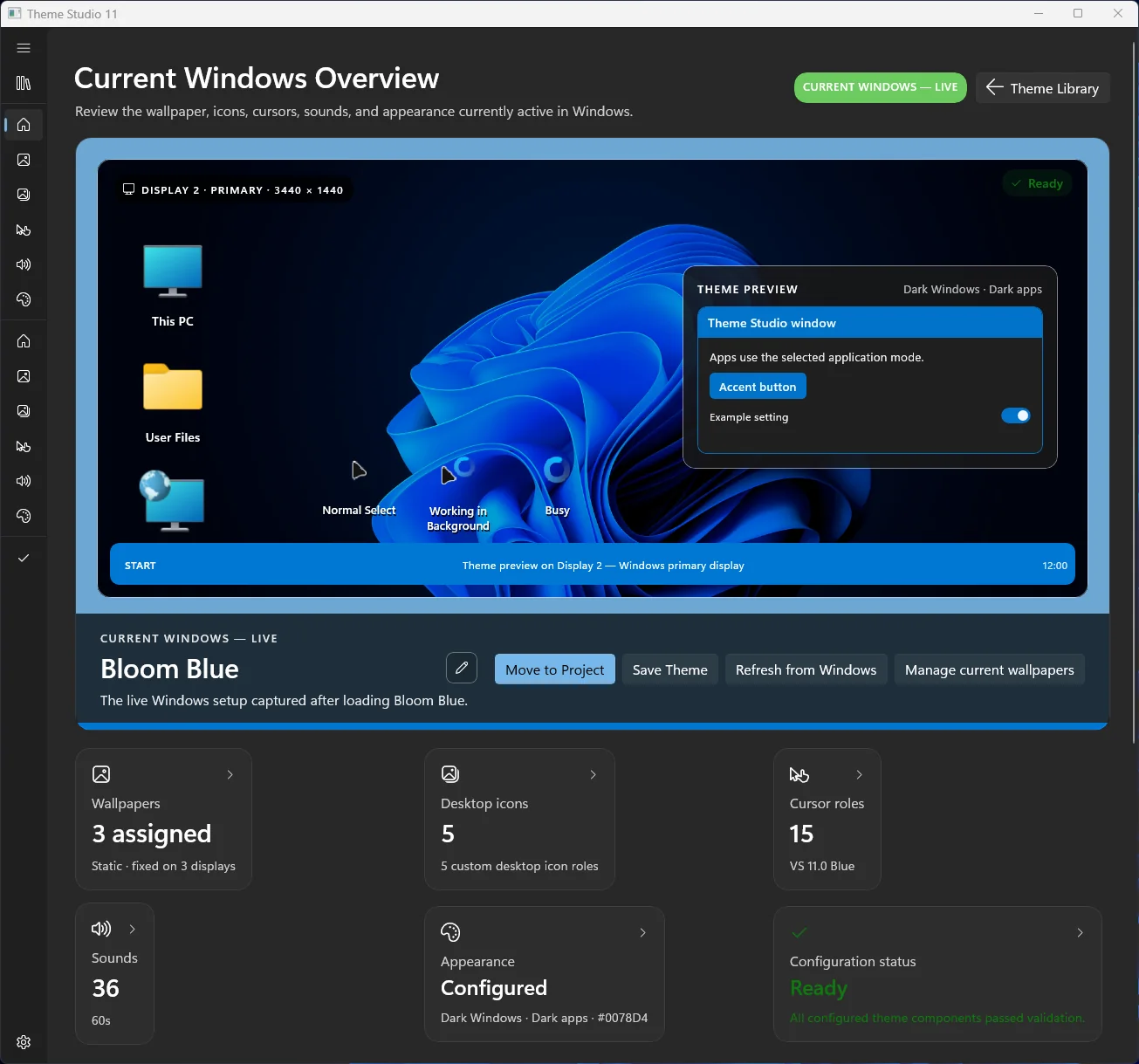
See the whole setup
Preview wallpaper, icon roles, cursor roles, Windows mode, accent color, and status in context.
Design without committing
Projects stay separate from your live desktop, so a theme can evolve without surprises.
Apply when it’s ready
Review, compare, save, apply, import, or export only when you choose.
Built for real multi-monitor setups.
Per-display wallpapers are a primary workflow, not an afterthought. Theme Studio 11 detects your display layout, lets each monitor keep its own wallpaper, and saves those relationships inside the theme project.
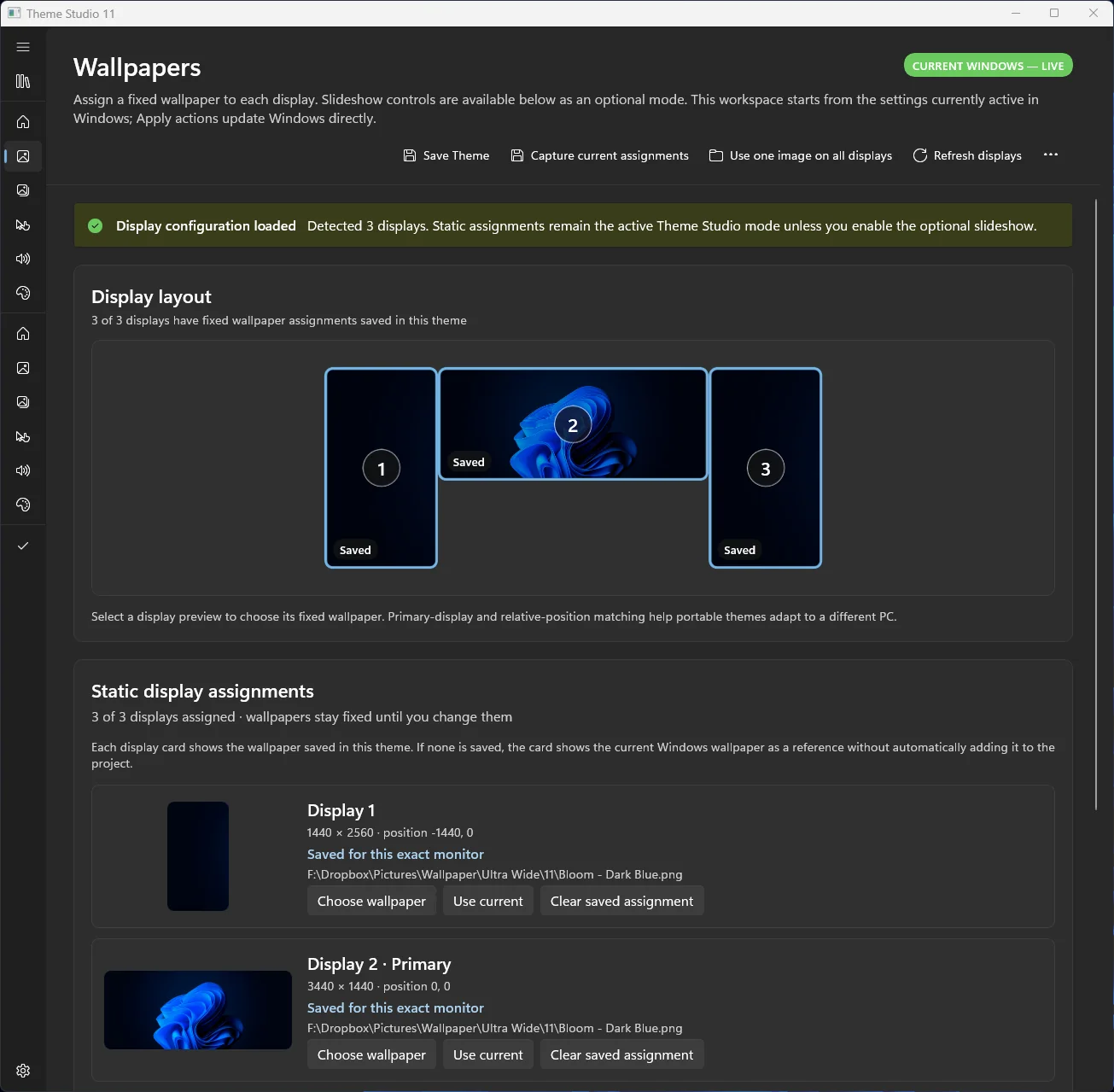
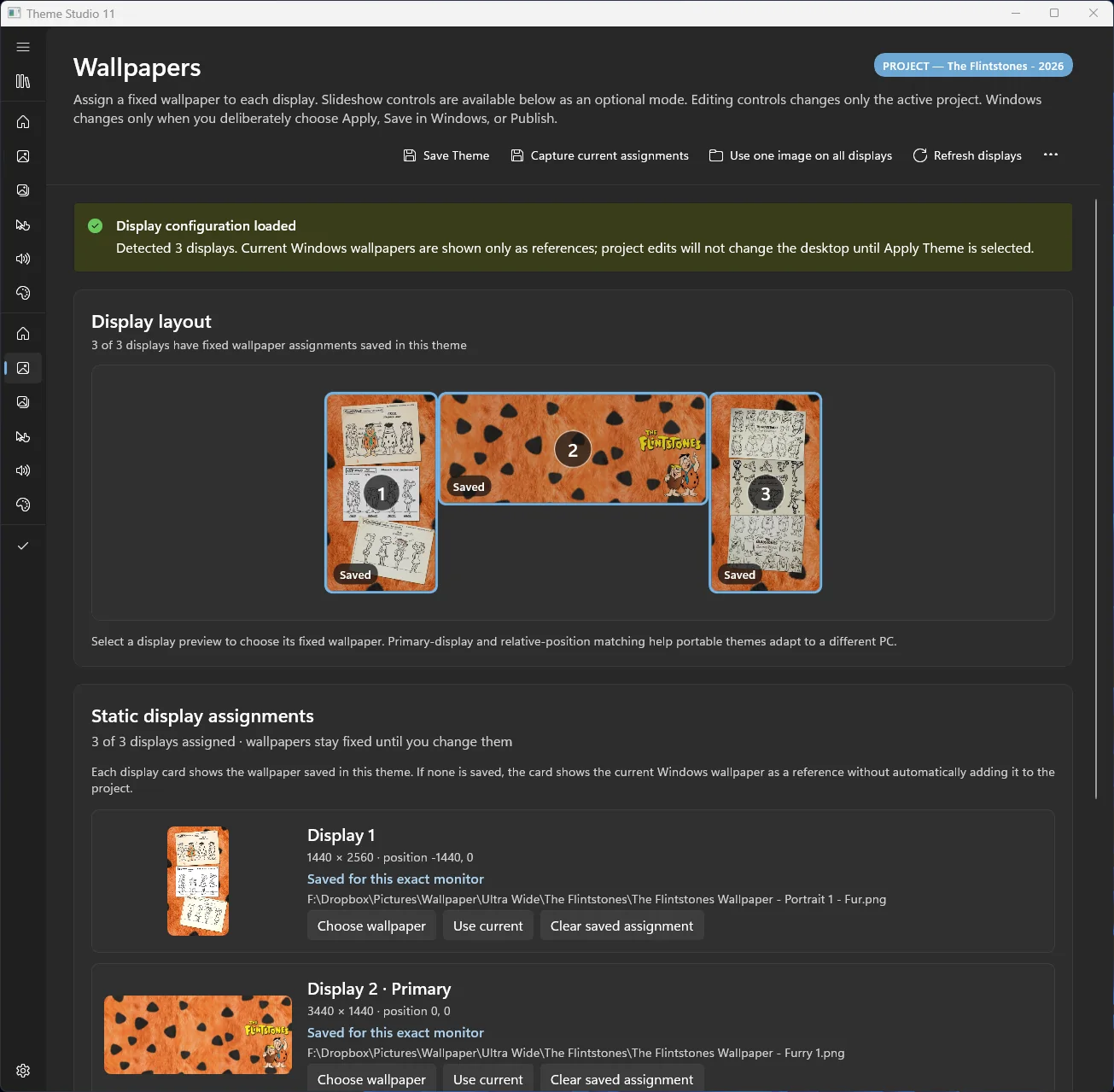
The pieces Windows spreads around, in one place.
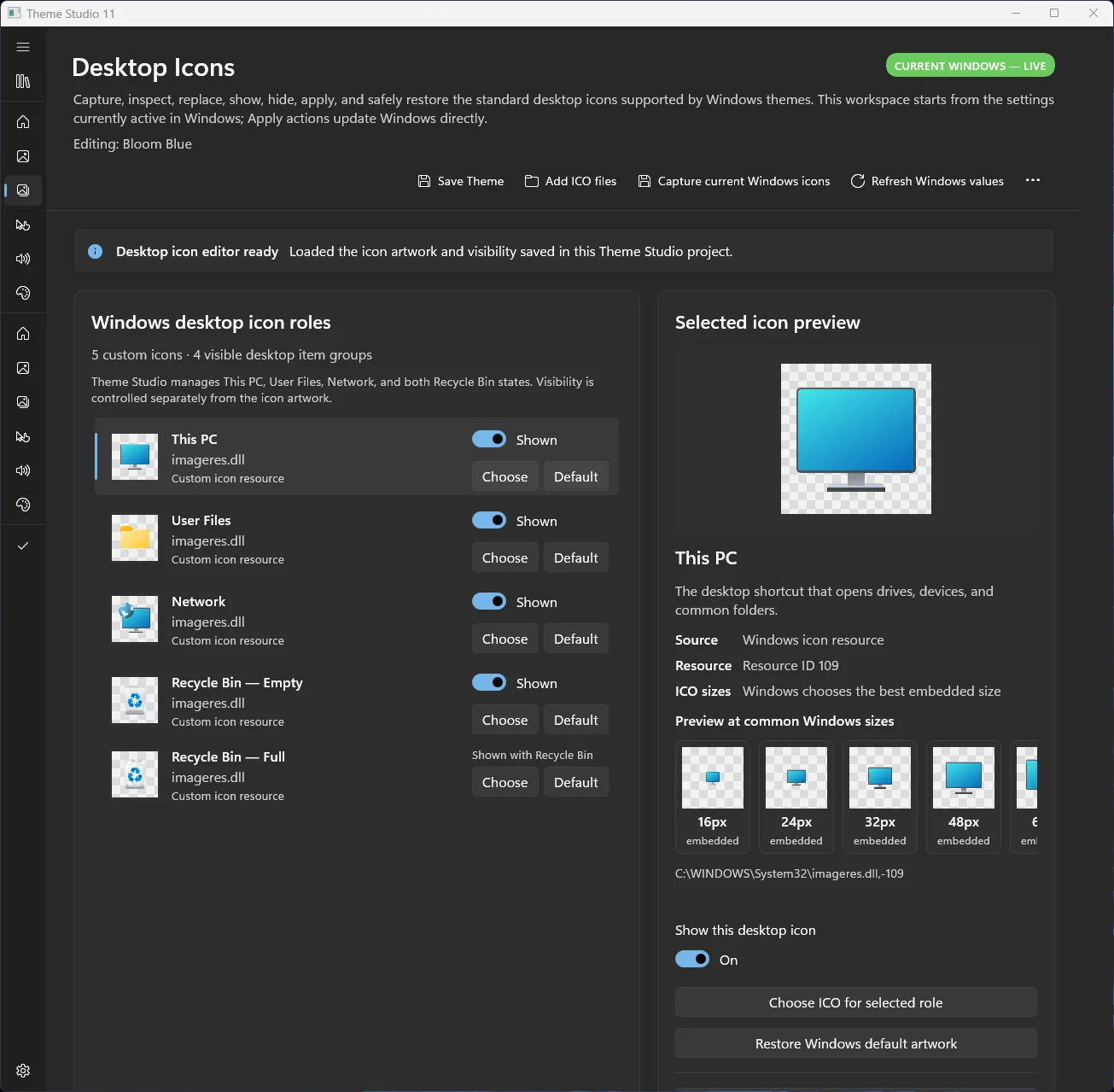
Standard Windows icon roles, preserved transparency, visibility controls, and selected-icon previews.
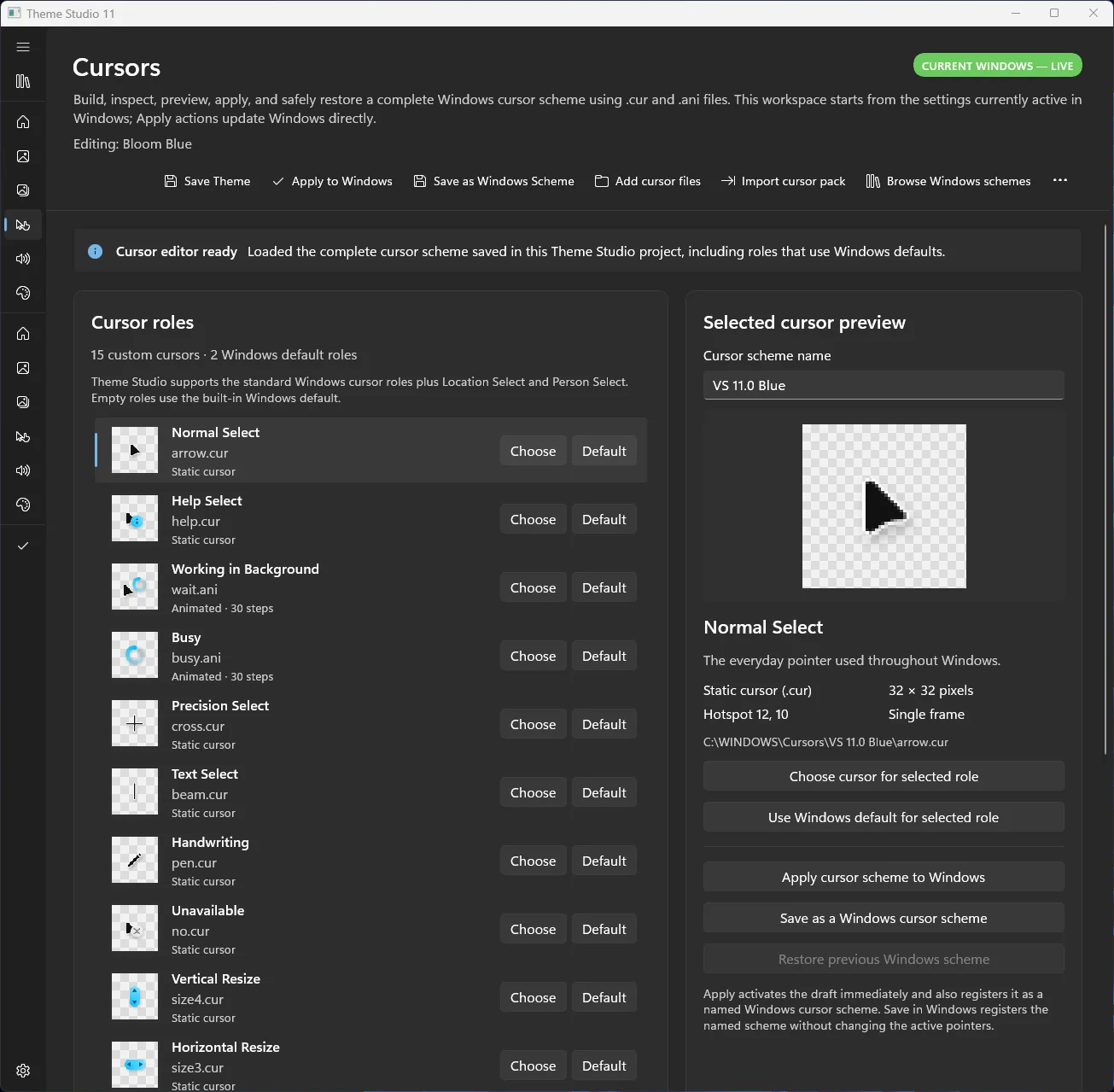
Build and preview a complete static or animated cursor scheme across every standard role.
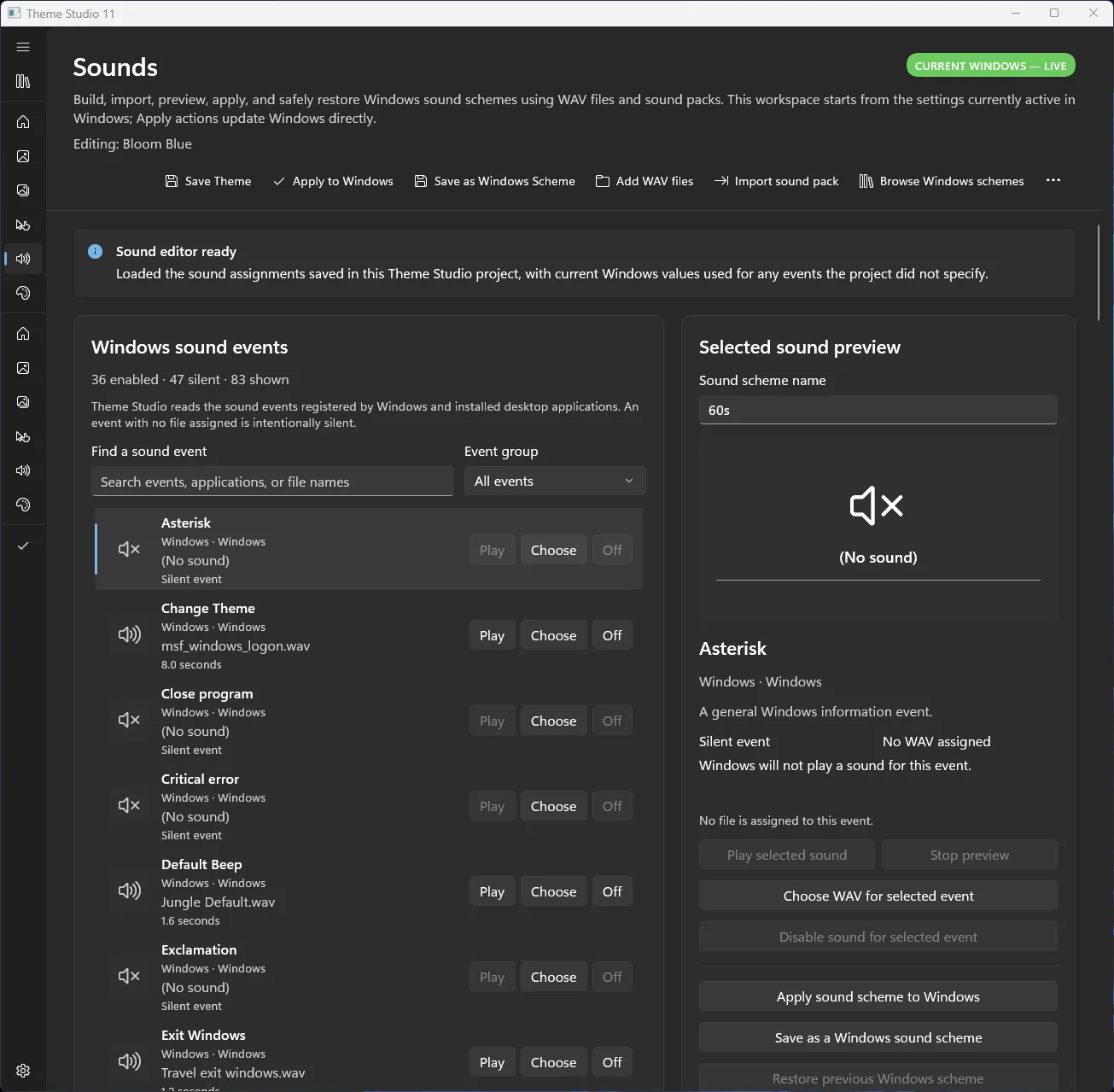
Organize Windows sound events, assign files, and preview them before applying.
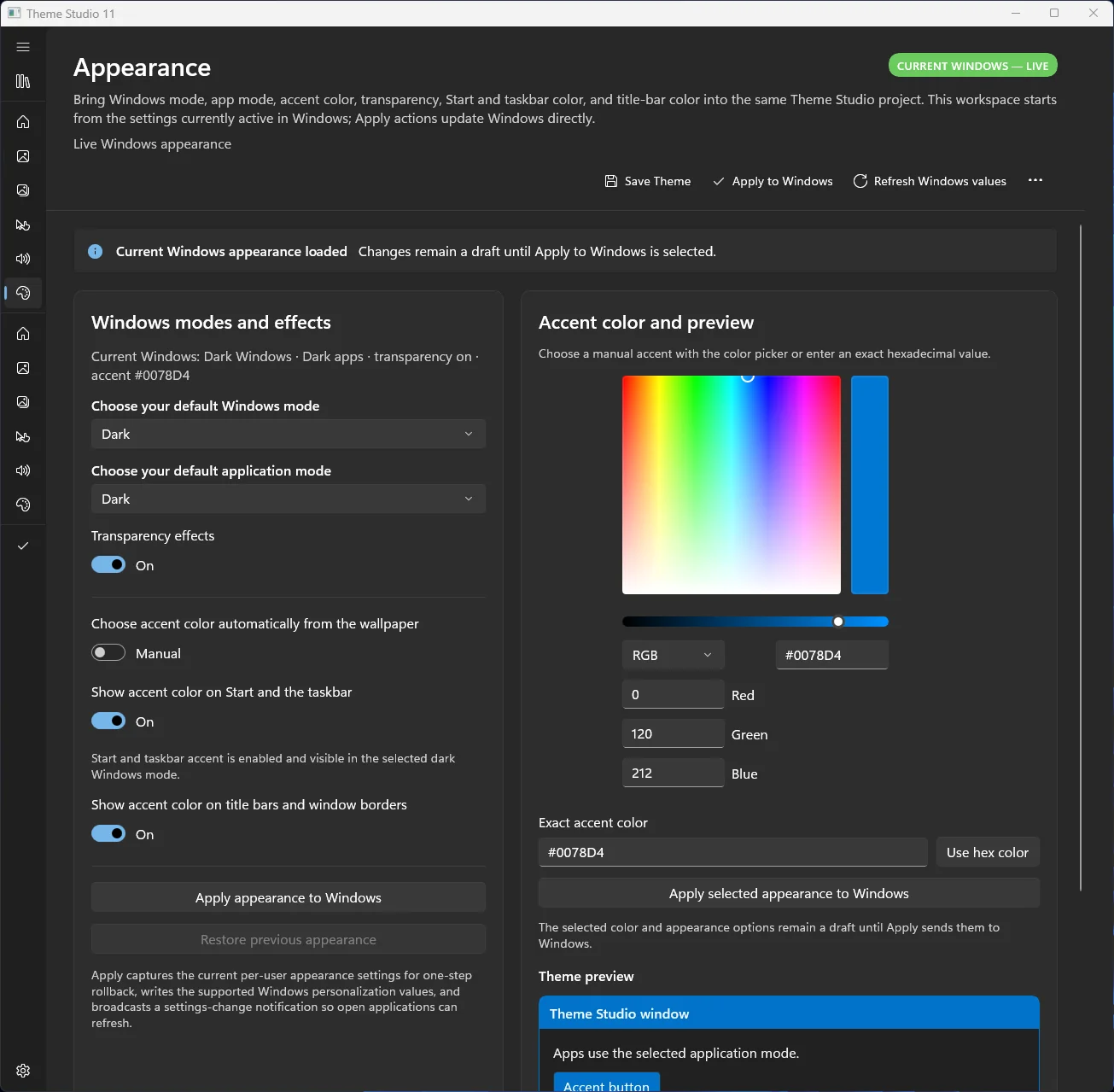
Coordinate Windows mode, app mode, transparency, and accent color with a live preview.
Find, compare, import, and keep building.
Browse installed Windows themes, create safe editable copies, reopen saved projects, and keep everything together for import or export.
- Browse installed themes visually
- Duplicate-safe editable projects
- Save, reopen, import, and export complete designs
For people who still care how Windows looks and feels.
The goal isn’t just to switch a wallpaper. It’s to design, preview, preserve, and reuse a complete Windows personality.
More passion projects: Effing’ Weather · Effing’ Airspace · Effing’ Weather Live